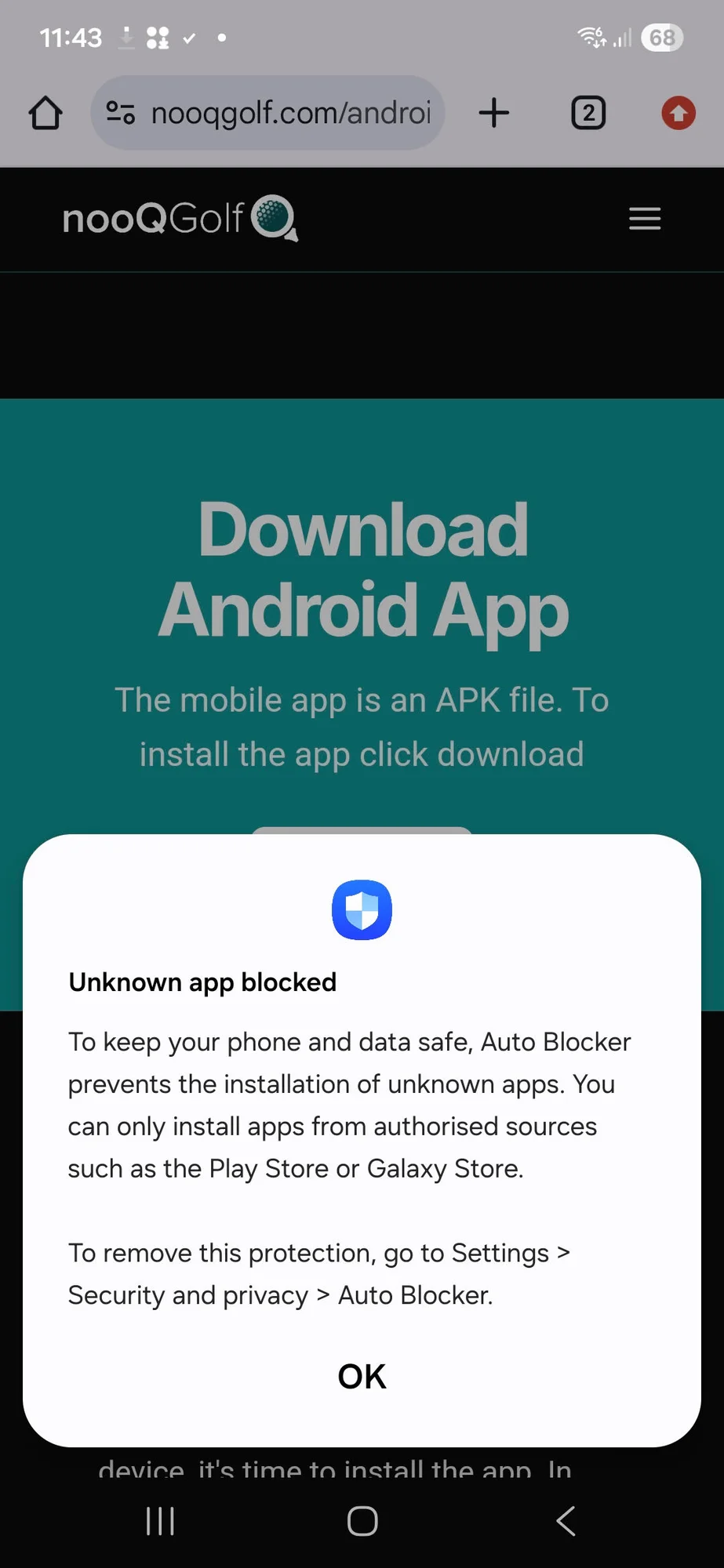
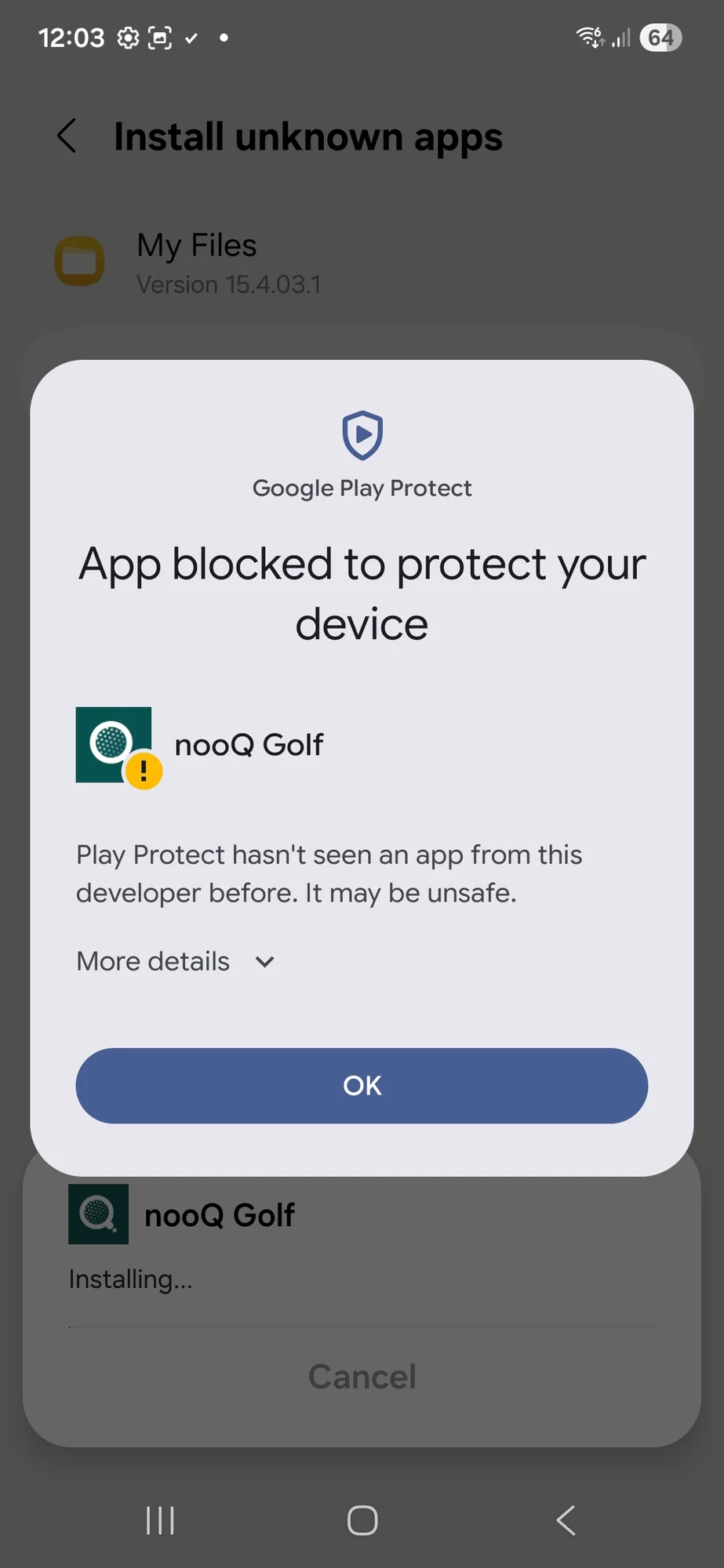
Grant Permissions
We will be adding app to the official Google Store shortly.
For now follow this process to add nooQ Golf Members App
Install an APK File on Android
The easiest way to install an APK file on your Android is to download the file using the default browser, Chrome.
Other web browsers definitely work, just make sure to give them the same permission described above. Here's how to install APK files through Chrome:
- Tap the download button below
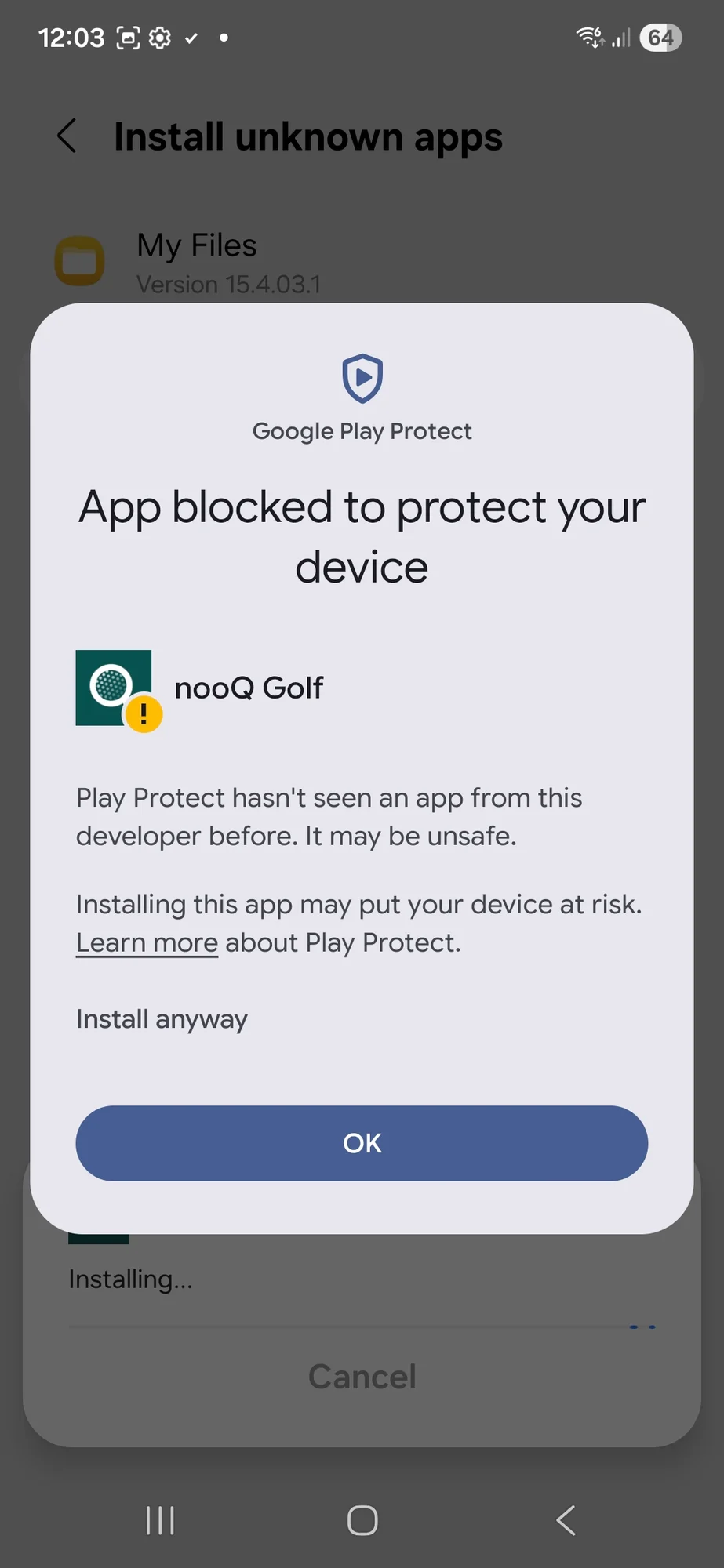
- Accept any prompts you might see about the file being potentially harmful. It is not harmful it's from us. For example, tap Download anyway or OK.
- Once the APK is downloaded to your device, it's time to install the app. In Chrome, tap the three-dot menu button, then choose Downloads to see the file.
- You can also use a file manager if you prefer to install apps that way.
- Tap the file name followed by Install. After a few moments, the nooQGolf Members app will be fully installed and show up next to all your other apps.
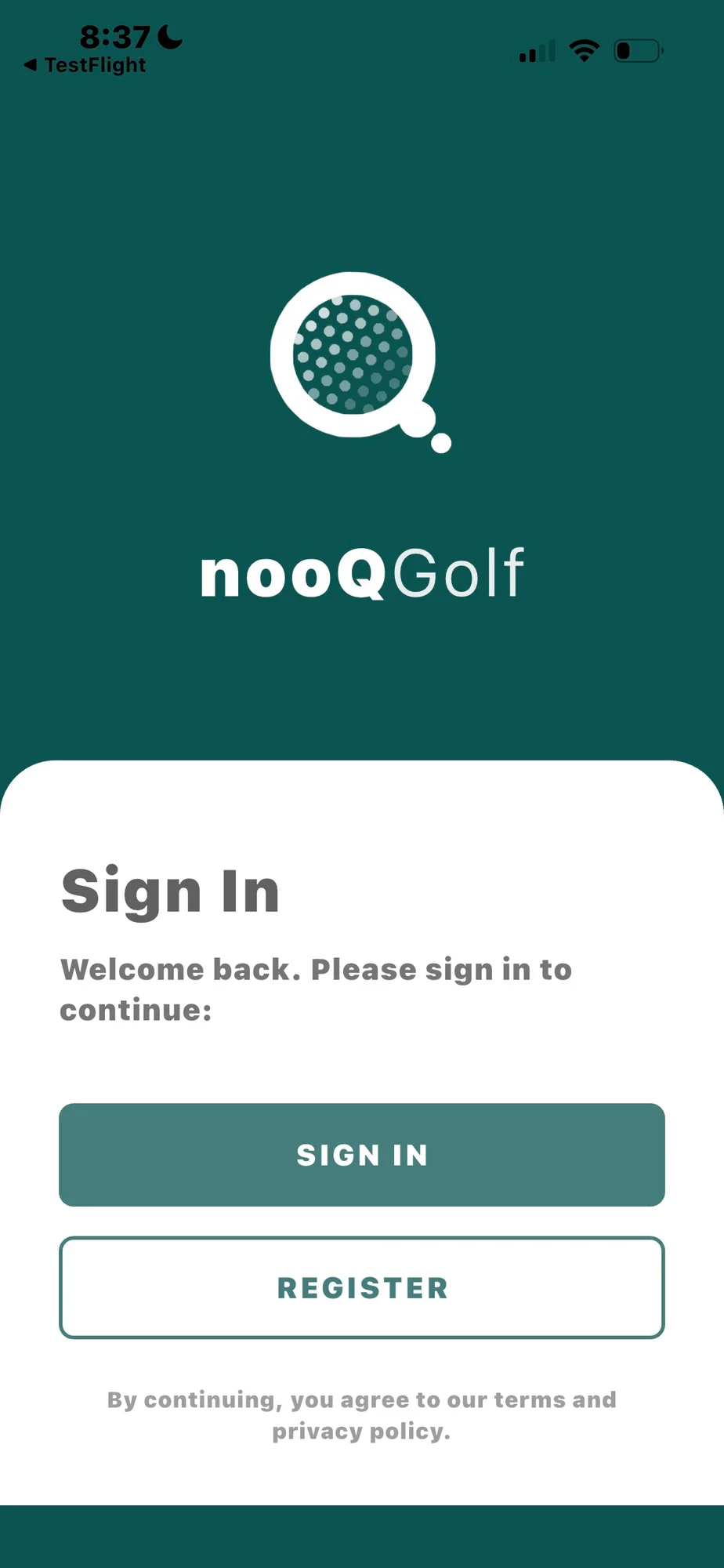
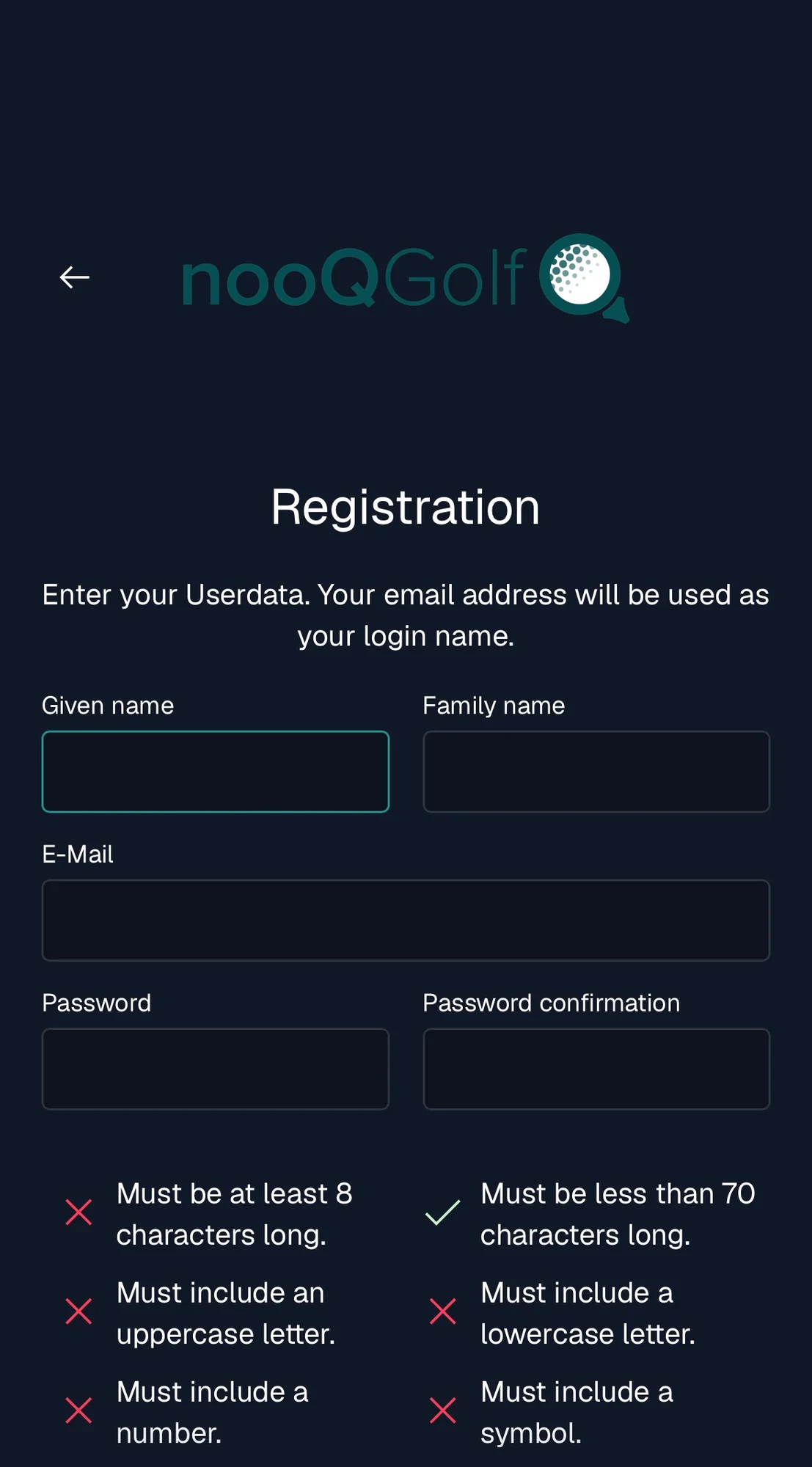
First time using the app, select REGISTER
and create nooQ Golf account using the same email you use for Club v1/existing membership app (membership email address)